
VERIFIED MODEL GUIDE · Automatic dual-boiler espresso · integrated grinder and assisted tamping
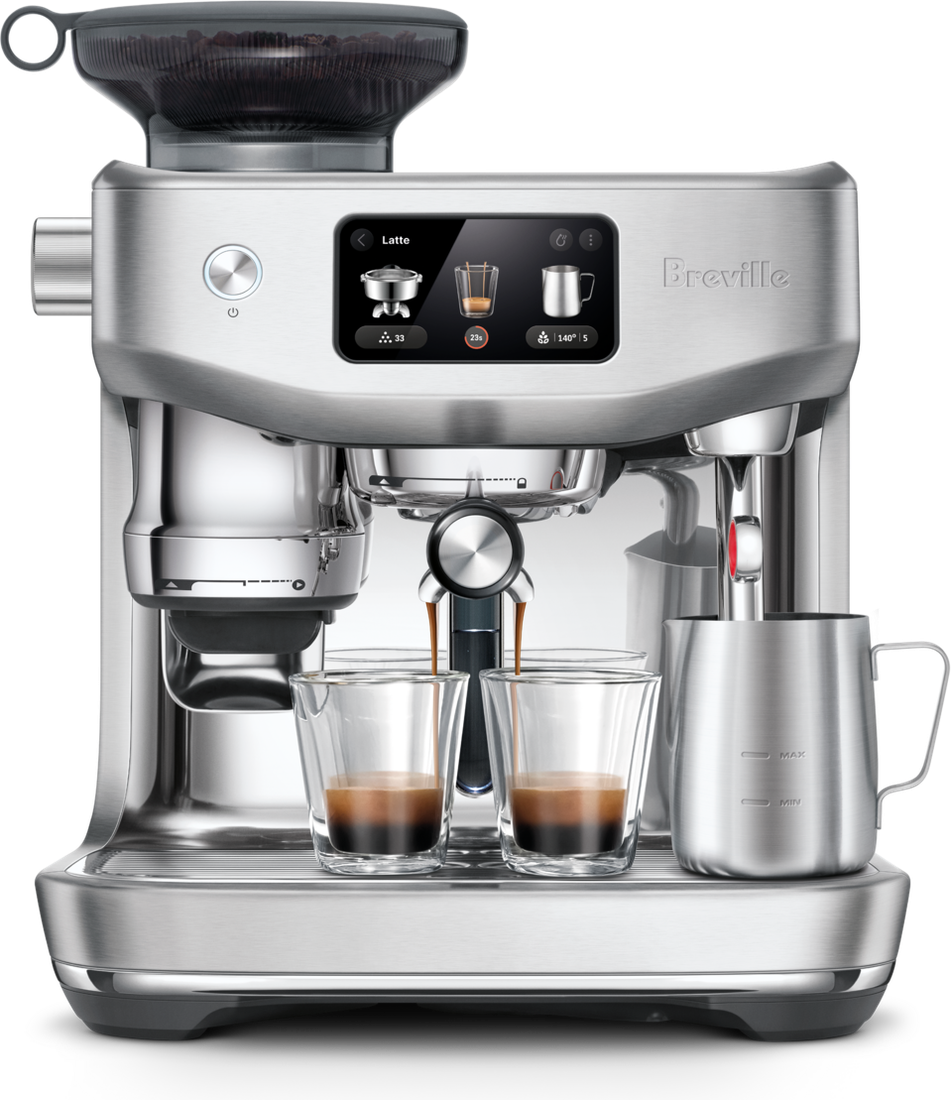
Breville / Sage Oracle Jet BES985 / SES985
troubleshooting guide
Manual-verified Oracle Jet diagnostics for tank and flow checks, slow or fast espresso, pump overheating after repeated shots, and on-screen cleaning or descaling prompts.
MODEL-SPECIFIC QUICK ANSWER
Breville / Sage Oracle Jet BES985 / SES985 common problems and fixes
For no flow on the Oracle Jet, check that the water tank is full and seated, then follow the manual’s priming steps. Adjust grind using the Barista Guidance for fast or slow shots. If repeated shots overheat the pump, switch the machine off and let it cool; use the screen’s exact cleaning and descale instructions.
WHAT'S HAPPENING?
Choose the closest match.
Start with the pattern or symptom you can see. If it isn't listed, use the official support link below.
Something else or unclear?We will not guess at a pattern we have not verified.
Open official supportDIAGNOSTIC CHECK
One quick question.
✓ YOUR NEXT STEP
Try this
A NOTE ON THIS GUIDE
Good advice starts with the right manual.
The manufacturer does not document coded fault-light sequences for Breville / Sage Oracle Jet BES985 / SES985. Choose a documented brewing, water-flow, heating, pressure, or maintenance symptom below. Any status indicator shown here appears only when the manufacturer assigns it a specific meaning.
Every troubleshooting path links to manufacturer guidance.
Independent guide, no risky repairs. This site is not affiliated with or endorsed by any manufacturer. Product and machine names are trademarks of their respective owners. If a symptom is unclear or persists, contact qualified support.