VERIFIED MODEL GUIDE · Single-boiler espresso · ring brew group and PID
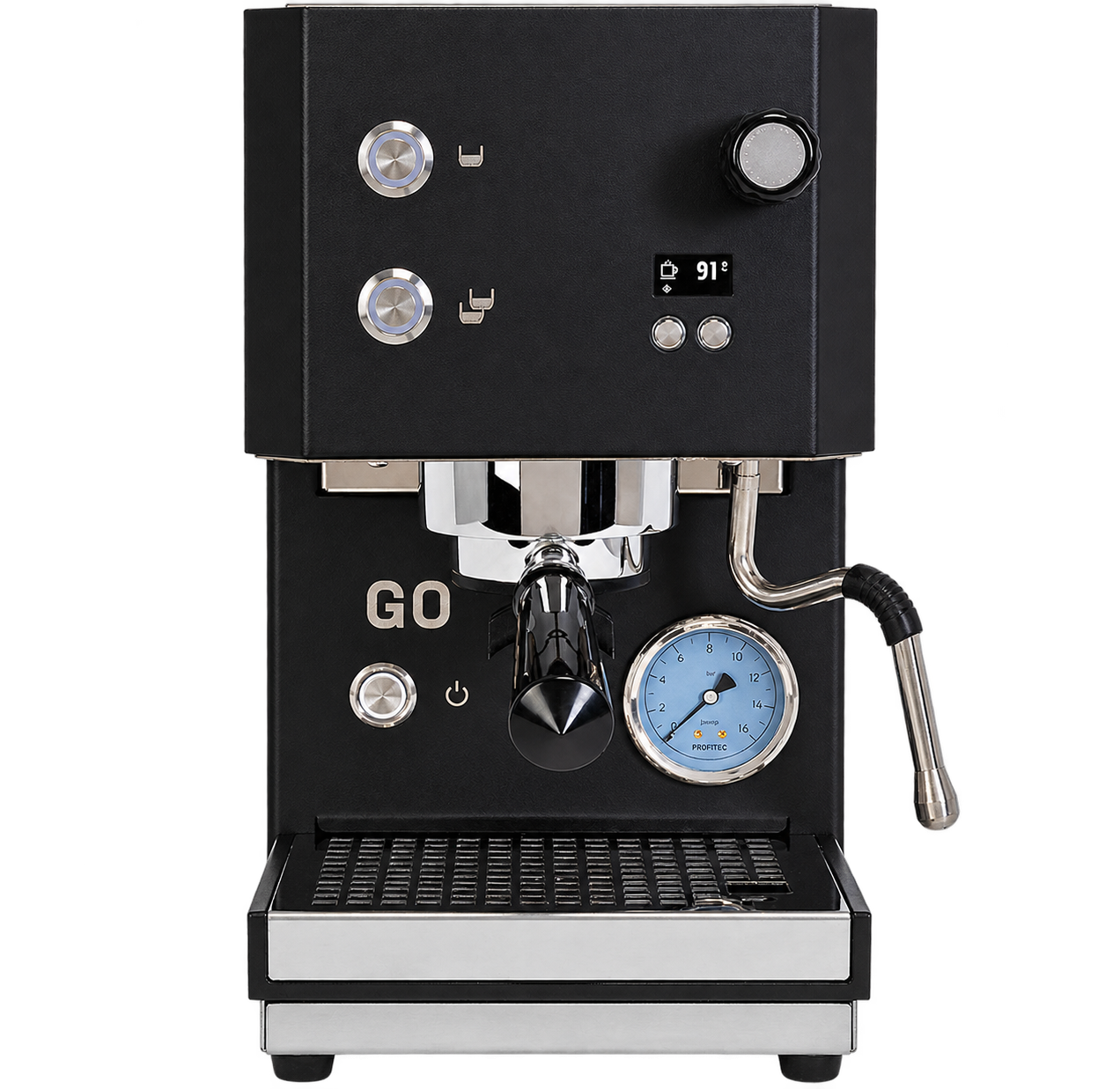
Profitec GO 2.0 CM500014
troubleshooting guide
Current Profitec GO 2.0 CM500014 troubleshooting for the FILL display, tank and boiler priming, fast or weak shots, heating status, and owner-safe flow checks. Earlier GO generations can have different displays.
MODEL-SPECIFIC QUICK ANSWER
Profitec GO 2.0 CM500014 blinking lights and common signals
On GO 2.0, FILL means the machine needs water; if the tank is empty, the pump stops and both brew buttons flash quickly. Refill and seat the tank. During first boiler filling, pump noise and delayed group water can be expected; follow the manual and do not run the pump dry. Allow the display to finish heating before brewing.
WHAT'S HAPPENING?
Choose the closest match.
Start with the pattern or symptom you can see. If it isn't listed, use the official support link below.
Something else or unclear?We will not guess at a pattern we have not verified.
Open official supportDIAGNOSTIC CHECK
One quick question.
✓ YOUR NEXT STEP
Try this
A NOTE ON THIS GUIDE
Good advice starts with the right manual.
This page covers documented GO 2.0 light patterns and common symptoms. The source links below point to Profitec support and manuals where available. If your exact pattern is not listed, use official support rather than assuming another model behaves the same way.
Every troubleshooting path links to manufacturer guidance.
Independent guide, no risky repairs. This site is not affiliated with or endorsed by any manufacturer. Product and machine names are trademarks of their respective owners. If a symptom is unclear or persists, contact qualified support.